
AutoReel Alternative for Listing Agents (2026): Honest Comparison
Looking for an AutoReel alternative? Listing Reel Maker turns a Zillow or Realtor.com link into a reel, lets you pay per reel with no plan, and your first reel is free with a small watermark.
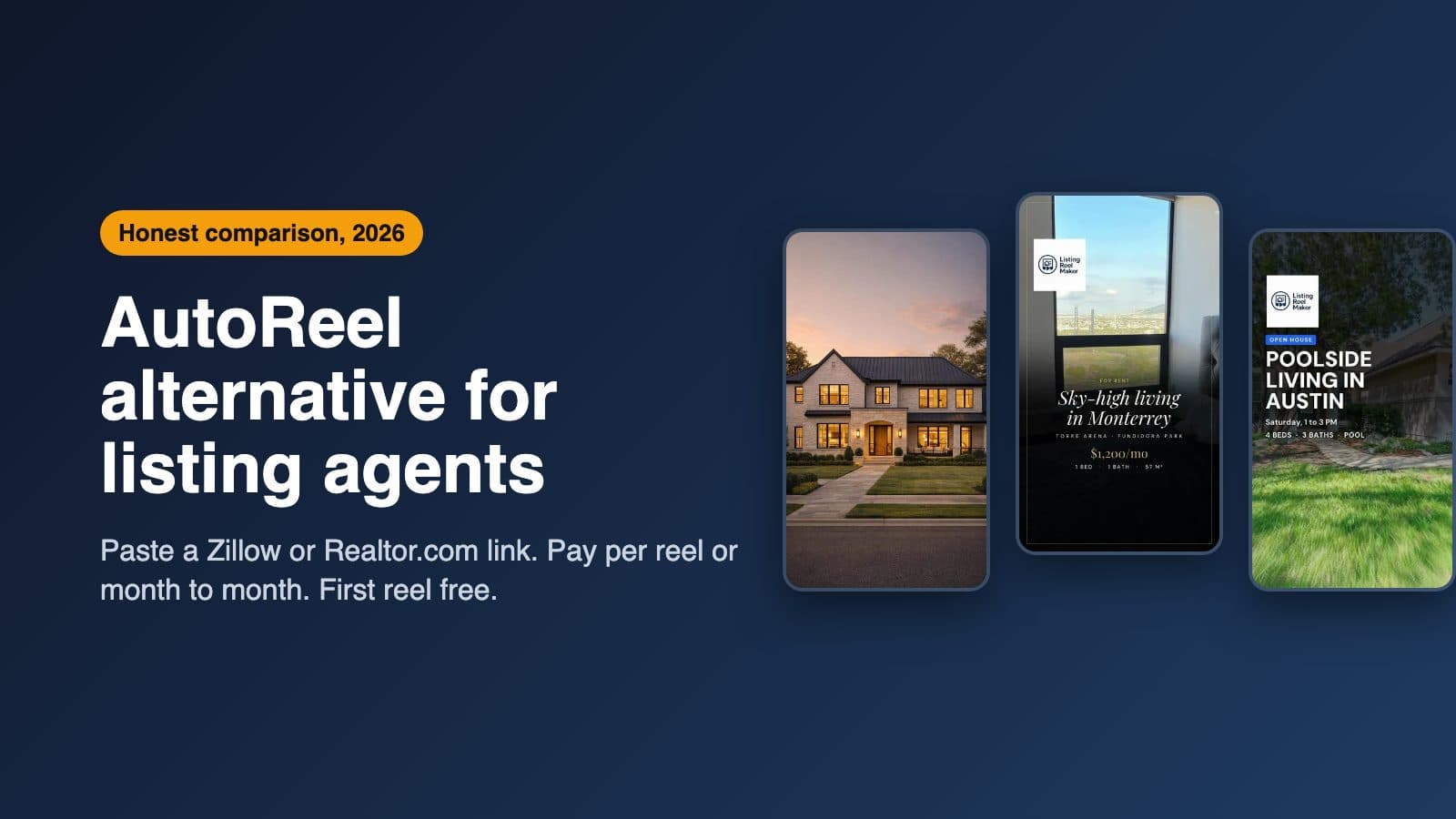
If you want an AutoReel alternative for listing reels, Listing Reel Maker is the closest fit for a solo agent who wants to pay per reel. You paste a Zillow or Realtor.com link, or upload photos, and get a vertical reel with music and an optional AI voiceover. You can buy credits with no plan, or pay month to month. Your first reel is free, with a small watermark, and no card is needed.
AutoReel is a good tool, and it is also built for real estate. So the choice is less about which one is better and more about how you buy and what else you need. AutoReel sells quarterly or yearly plans with extras like virtual staging, photo edits and voice cloning. Listing Reel Maker does one job, listing photos to reel, and lets you pay for one reel at a time.
This post is written by the Listing Reel Maker team, so read it with that in mind. It is about AutoReel at autoreelapp.com. Every AutoReel fact below comes from AutoReel's own pages, checked on October 23, 2026, with a link to the source. Prices change, and AutoReel sometimes runs promo codes, so check its pricing page before you buy.
AutoReel vs Listing Reel Maker for listing agents
| Listing Reel Maker | AutoReel | |
|---|---|---|
| Built for | Listing reels for real estate agents | Real estate videos for agents, photographers and media companies (home page) |
| Listing link import | Paste a Zillow or Realtor.com link and the listing photos load. Or upload your photos | One-click import from Realtor.com, or upload your photos (home page). You can also import photos by typing the property address (changelog) |
| Camera moves | Standard: a slow push-in on each photo. Cinematic: pick a move for each photo from a list (drone orbit, crane up, fly-in, gimbal arc, glide through, slow push-in) | Camera motion choices including push-in, pull-out and orbit (photo to video page). You can change the move per clip after the video is made (changelog) |
| Voiceover | AI voiceover from your script, or a script the AI writes for you. 6 voices | AI voiceover from a voice library, or clone your own voice (photo to video page, voice cloning) |
| Free start | First reel free: a Standard reel of up to 5 photos, with a small watermark. One per account. No card | Free plan with two videos a month and an AutoReel watermark. No card (home page FAQ) |
| Paid price | $2.50 a credit with no plan, or the Solo Agent plan at $29.99/month for 20 credits, cancel anytime | Essential at $30/month billed yearly for 20 videos a year, or $41/month billed quarterly for 5 videos a quarter. No pay-per-video (pricing) |
A credit and a video are not the same thing, so here is the math for one reel. On Listing Reel Maker a Standard photo costs 1 credit, a Cinematic photo 2, and a voiceover script 1. A typical reel of about 9 photos with a voiceover uses about 10 credits: $25 with no plan, or about $15 on the Solo Agent plan. AutoReel's own page puts Essential at $18 a video on yearly billing and $25 on quarterly (pricing).
Where the two really differ
How you pay. AutoReel says it does not sell single videos; you pick a quarterly or yearly plan, and unused credits roll over (pricing). Its paid plans start with a 7-day free trial of 3 videos without a watermark, and your card is charged after the trial (pricing, home page FAQ). On Listing Reel Maker you can buy credits for one listing and stop there, or take the Solo Agent plan month to month.
The free start. AutoReel's free plan gives two watermarked videos every month. Ours gives one free reel per account. If you only want watermarked videos to look at, AutoReel's free plan gives you more. Our free reel is there so you can see your own listing as a reel before you pay anything.
Where the photos come from. AutoReel imports from Realtor.com or by address, and its FAQ also mentions importing by URL (FAQ). Listing Reel Maker reads Zillow and Realtor.com links. If your listings live on Zillow, try both and see which one pulls your photos cleanly.
Everything around the video. AutoReel includes virtual staging, AI photo edits, a Studio editor and voice cloning (photo to video page), and up to 4 users on Essential with yearly billing (pricing). Listing Reel Maker has none of those. It has your logo, text, music, a headshot and a voiceover, and that's it.
What the free first reel includes
- Your own listing. Paste a Zillow or Realtor.com link, or upload photos. The free reel uses up to 5 photos. If your listing has more, the builder offers to use the first 5 in one tap.
- The Standard style: a slow camera push-in on each photo, in a vertical 9:16 reel for Instagram, TikTok, Facebook and YouTube Shorts.
- Music and an optional AI voiceover.
- A small listingreelmaker.com mark in the corner.
- No card. You sign up and make it. It is one free reel per account.
You watch the free reel in your account. To download and post it, you remove the mark. That costs the reel's normal credit price, or it comes with the Solo Agent plan.
When AutoReel is the better pick
- You want virtual staging and photo edits in the same tool as your videos.
- You want the voiceover in your own cloned voice.
- You are a photographer or media company making videos for many agents, and you want several users on one account.
- You know you will make videos all year and are happy to pay quarterly or yearly.
When Listing Reel Maker is the better pick
- You want to pay for one reel when you have a listing, with no plan.
- Your listings are on Zillow and you want to paste that link.
- You want a month-to-month plan you can cancel anytime.
One honest note on Cinematic reels: the camera-move clips are made by AI, so check that every detail matches the home before you post. AutoReel gives the same kind of warning: it says results depend on the source photo and are not guaranteed (photo to video page).
How to make your free first reel
- Open the builder and sign up. No card.
- Paste a Zillow or Realtor.com link, or upload up to 5 photos.
- Keep the Standard style, add music or a voiceover if you like, and generate.
- Watch it in your account. When you want to post it, remove the mark.
Comparing more tools? Read our InVideo alternative post or our list of real estate video apps.